
No result found
Please try rephrasing your search
How do I view applications for an advert?
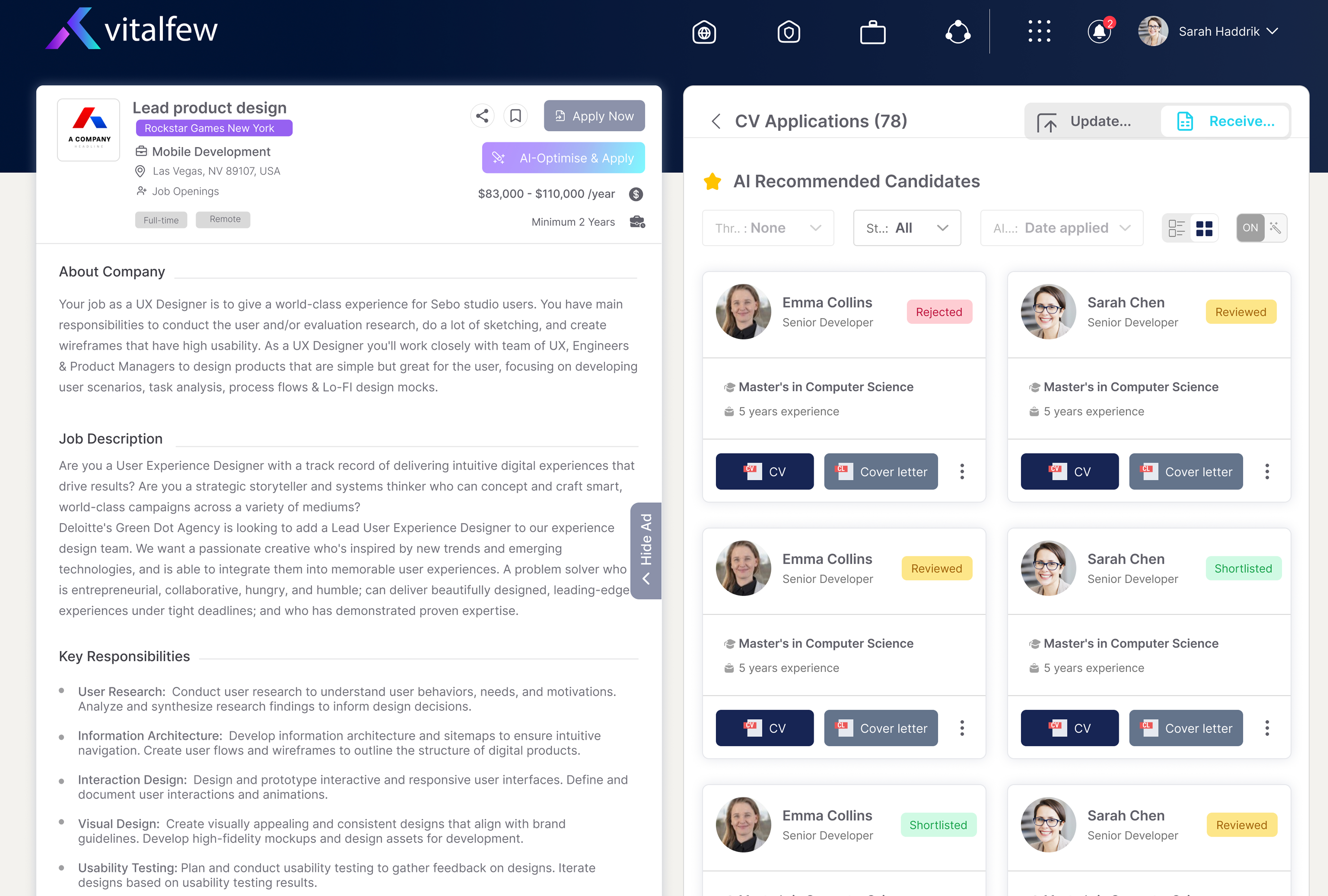
View submitted applications from the advert card.
Select the advertisement icon at the top of the page.
Look for the advert card that shows the number of resumes received.
Select the resume count to open applications for that advert.
Extra information
When candidates apply for an advert, the advert card shows the number of resumes received. Select this count to open the Resume Screening page for that advert.
The page opens on the All resumes tab, where you can see everyone who has applied. Screened tab holds completed screened results, and the Pending tab holds resumes waiting to be screened. You can also open the full advert or reach Support chat from here.
Opening the Resume Screening page does not start screening. You can review the available application materials first, including the resume and cover letter where provided.
To have VitalFew Assistant compare applications against your advert, see How do I screen resumes? To understand what the screening results show, see How do I review screening results? If you need help while reviewing applications, use Support chat.
Frequently Asked Questions
{{ faq.a }}