
{{ s.label }}
{{ s.description }}
{{ s.breadcrumb }}
{{ s.topicLabel }}
{{ s.label }}
{{ s.description }}
{{ s.breadcrumb }}
{{ s.topicLabel }}
No result found
Please try rephrasing your search
How do I use Support Chat?
Use Support Chat for help with adverts and Resume Screening.
Open advertisements
Select the advertisement icon at the top of the page.
Choose an advert
Open the advert you want to view.
Start Support Chat
Use Support Chat to ask about the advert or screening process.
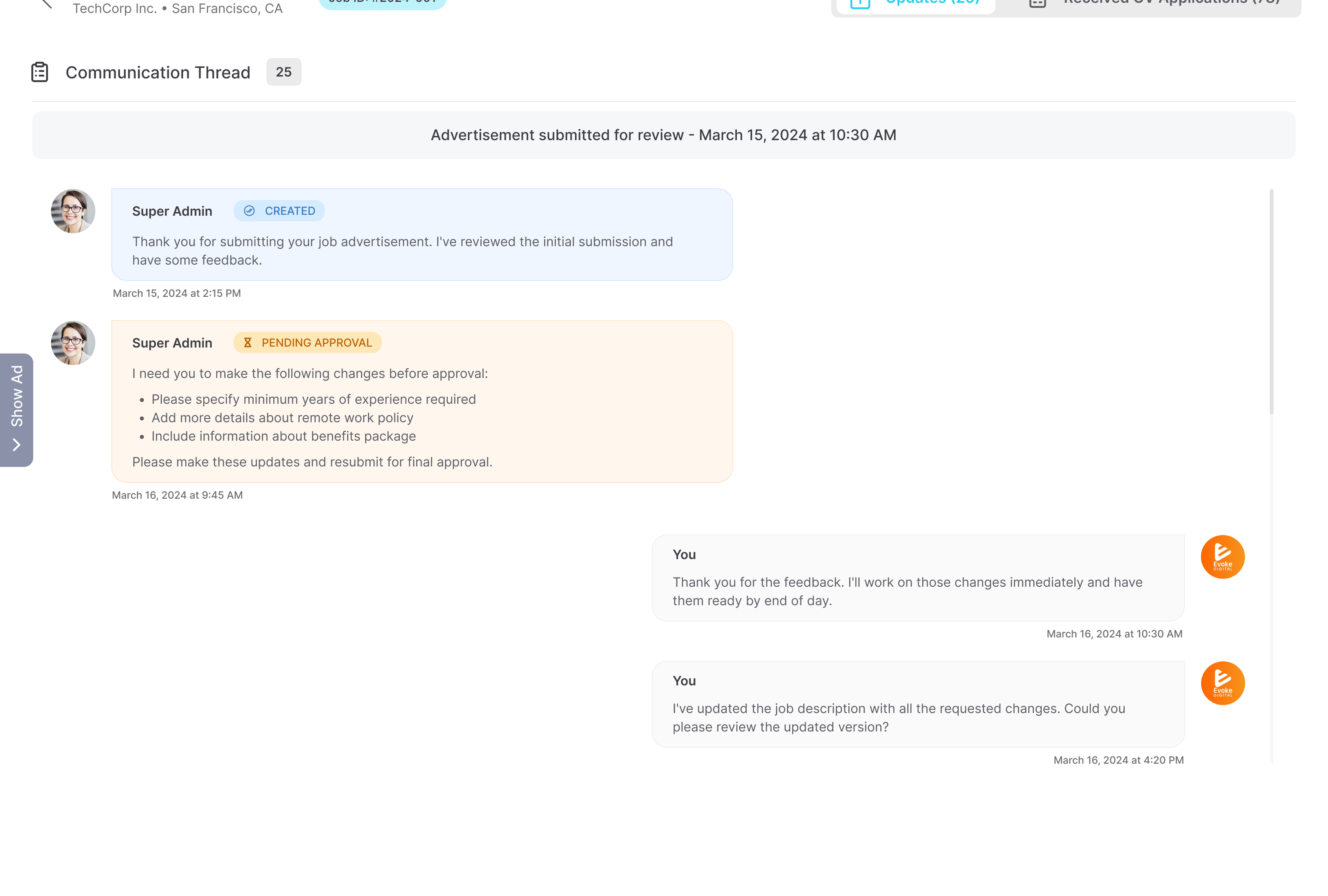
Support Chat is included at no added cost. You can use it to ask for advert updates, raise concerns, or get help with the Resume Screening process.
It is useful if your advert has mistakes, unclear details, or areas that need amending before you move forward. Support Chat can help you review what needs attention so you can act faster and avoid delays.
You can also ask about selected resumes, screening results, pending resumes, or the steps shown on your advert resume page.
Frequently Asked Questions
{{ faq.a }}