
No result found
Please try rephrasing your search
How do I complete my Organisation profile?
Add details that help applicants understand your organisation and employer presence.
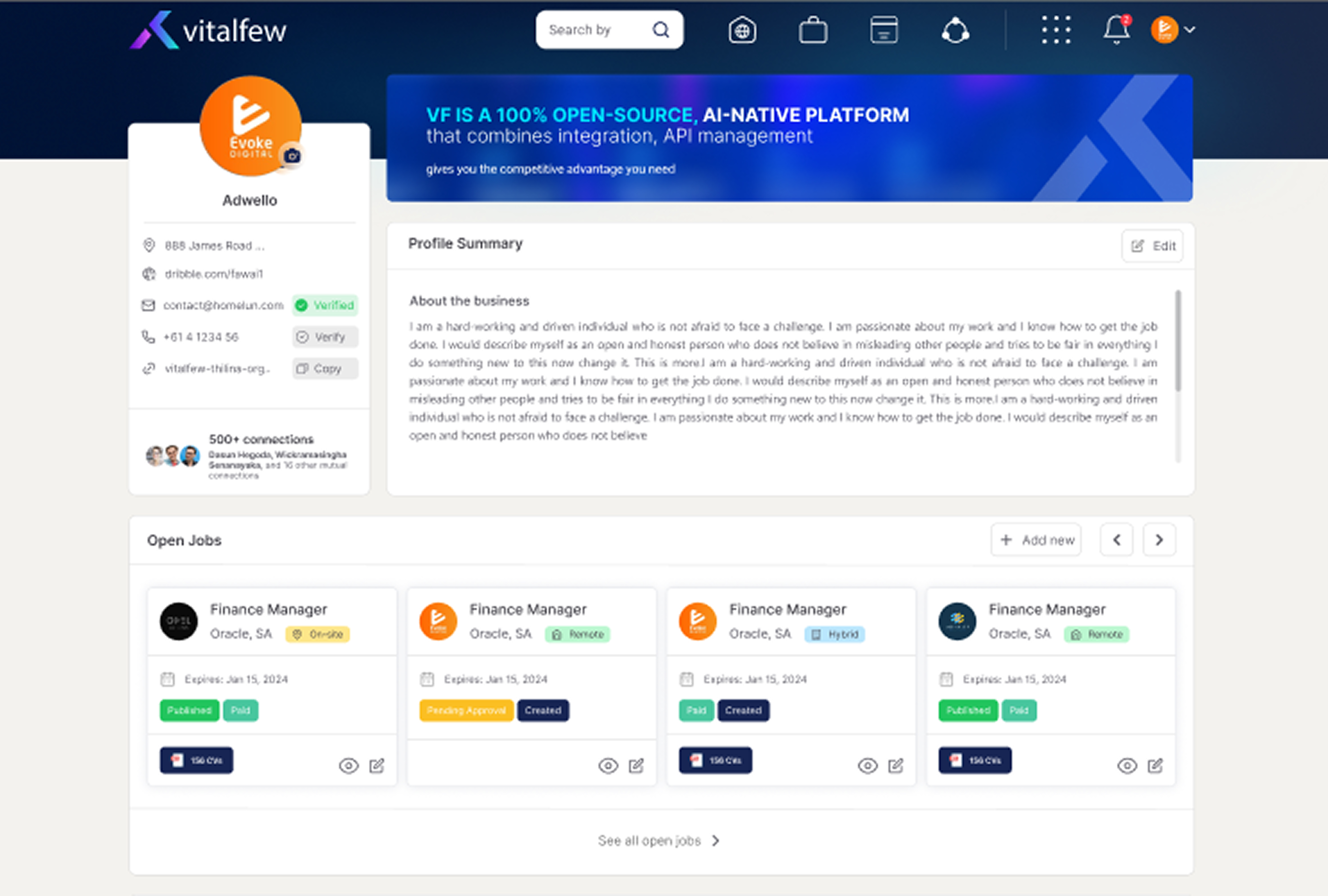
Click the pen icon on your profile summary to edit your personal information and about.
Hover over an empty section card, select +, and enter the details.
Select Post an advertisement when you are ready to list a role.
Extra information
Your Organisation profile works as a public Organisation page on VitalFew. It helps users understand your business, services, events, testimonials, and posts.
You can update your organisation details, contact details, website, industry, company size, location, About section, and logo.
You can add newsletters, services, events, testimonials, and Wall posts. Events can be shared on the Public Wall, and Organisation posts are publicly visible on VitalFew. To learn more, see What is the Public Wall?
Testimonials can help show feedback from clients, partners, or professional contacts. To request feedback, see How do I request a testimonial? To manage completed testimonials, see How do I manage testimonials on my profile?
Use + to add a new entry, the pen icon to edit, and the bin icon to delete. After saving, VitalFew will confirm that your profile has been updated.
To compare advert creation options before posting a role, see Should I create my own advert or use VitalFew Assistance?
Common questions
Organisation pages are publicly accessible to users on VitalFew, unless the page is hidden.
You can update your organisation details, contact details, website, industry, company size, location, About section, and logo.
You can add newsletters, services, events, testimonials, and Wall posts.
Yes. Organisation events can be shared on the Public Wall.
Yes. Select Post an advertisement when you are ready to list a role.