
No result found
Please try rephrasing your search
How do I use Resume Management?
View, create, and organise application materials from one place.
Go to your Candidate profile and find your profile summary.
Select the three dots on the left side of your profile summary, then choose Resume Management.
Create, upload, update, or select a saved version for applications.
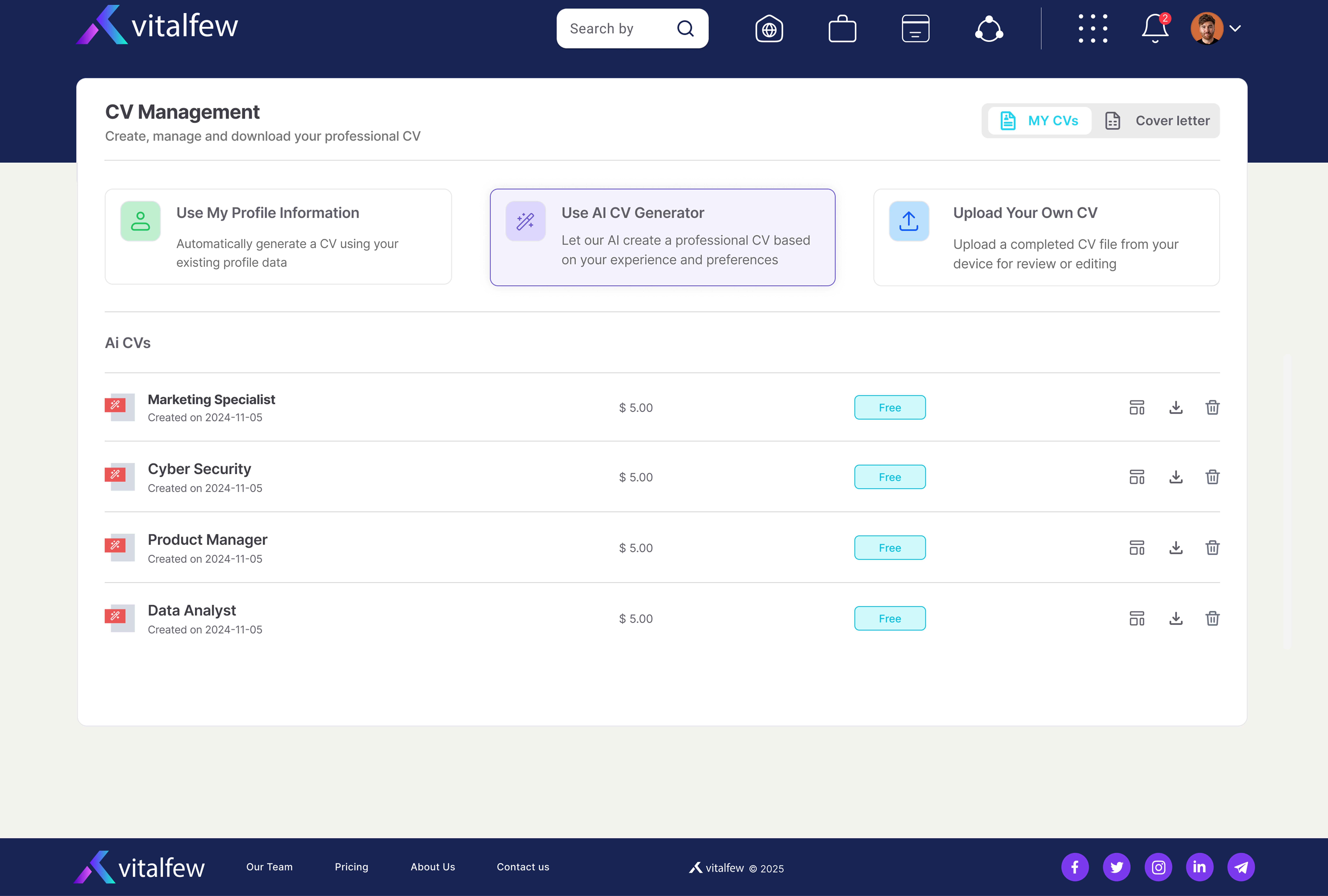
Resume Management helps you keep your application materials organised before applying. You can view uploaded resumes, create new versions from your profile details, and access tailored versions made with VitalFew Assistance.
If you are preparing to apply, check that your profile includes your latest career history, education, licences and certifications, skills, endorsements, and references.
You can use Resume Management before applying for a role, or return later when you want to update your saved documents. To review jobs you have applied to, saved, or closed, go to How do I view applied, saved, and closed jobs?
Frequently Asked Questions
{{ faq.a }}