
No result found
Please try rephrasing your search
How do I view applied, saved, and closed jobs?
View jobs you applied to, saved, or can no longer access.
Go to Resume Management from your Candidate profile.
Open Applied Jobs to see jobs you have applied to.
Use Saved Jobs or Closed Jobs to view other listings.
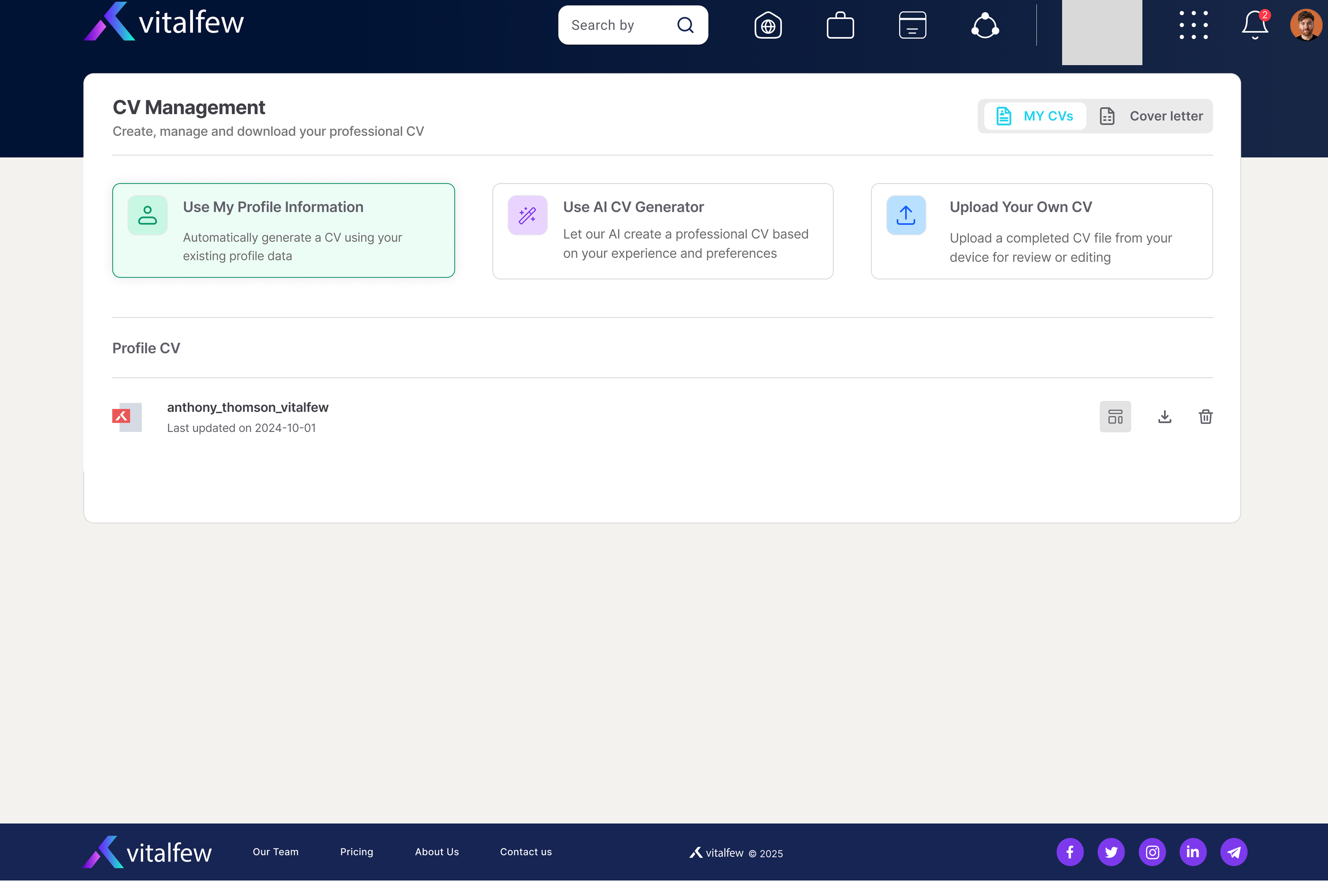
After you submit an application, you will see an on-screen confirmation. VitalFew will also send you an email confirming that your application has been sent.
The Applied Jobs tab shows jobs you have already applied to. This does not show a live application status, such as whether your application has been reviewed or shortlisted.
The Saved Jobs tab shows jobs you saved so you can return to them later. The Closed Jobs tab shows job listings that are no longer open.
If an advertiser wants to move forward, they may contact you using your profile details, resume information, or Chat.
Frequently Asked Questions
{{ faq.a }}