


No result found
Please try rephrasing your search
Agent Profile
Set up your agency presence and manage recruitment activity across multiple clients from a single account.
Enter your agency name, contact information, and a description of your recruitment services. This is what candidates and organisations see when they find you on the platform.
Select the industries, sectors, and role types you recruit for. Accurate specialisations help candidates and organisations find you when searching for recruitment support in their area.
Once set up, post jobs on behalf of clients, review incoming applications, and manage your recruitment pipeline. All activity across your clients is accessible from your agent dashboard.
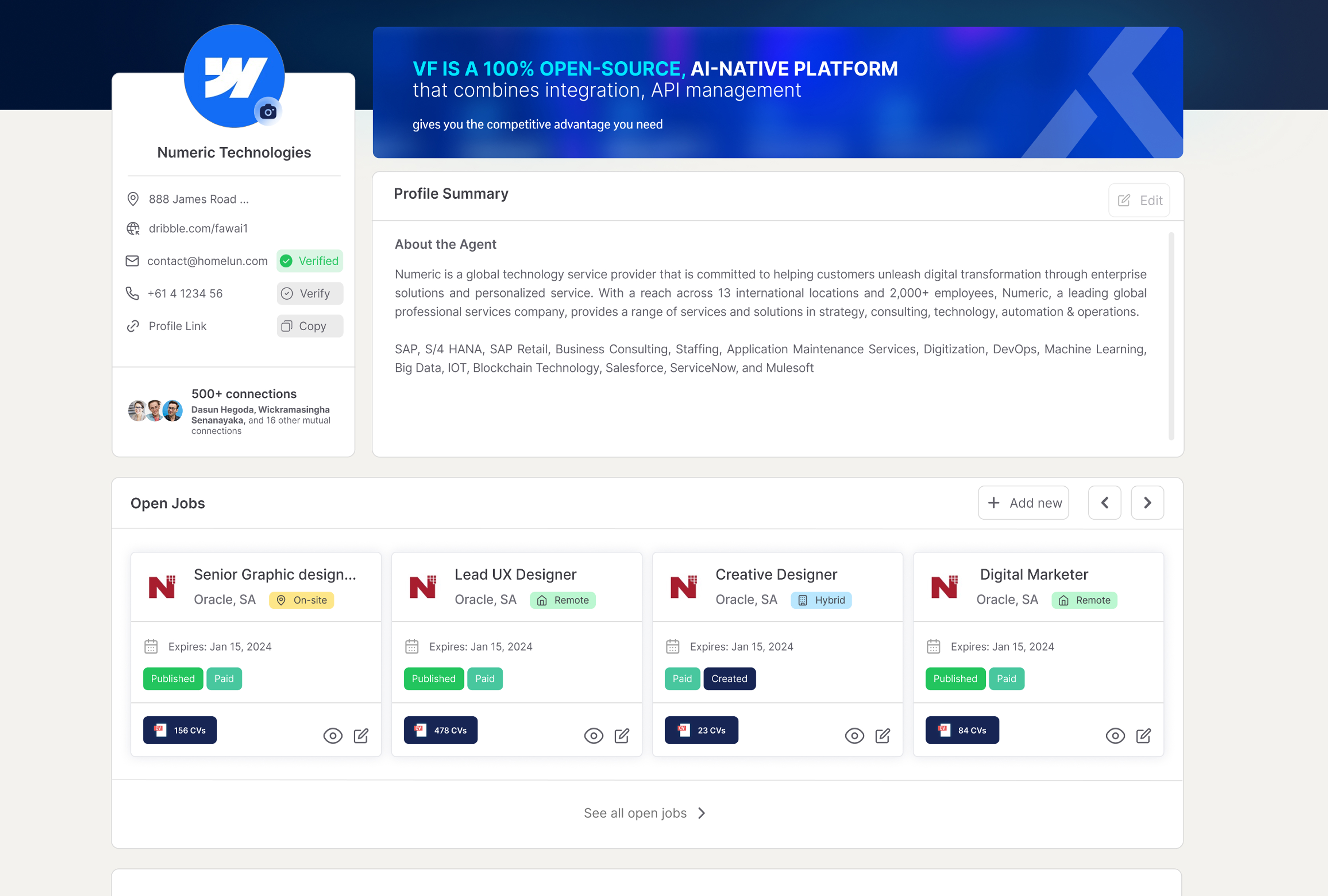
Your agent profile allows you to manage recruitment activity across multiple clients from a single account. It gives you the tools to track applications, post on behalf of clients, and maintain a professional presence visible to candidates and organisations.
Keep your agency details and specialisations up to date so the right candidates and organisations can find you. Use Guided adverts to create professional job listings for your clients quickly.
Frequently Asked Questions
{{ faq.a }}