
No result found
Please try rephrasing your search
How do I edit a tailored resume before applying?
Review and update your tailored resume before submitting your application.
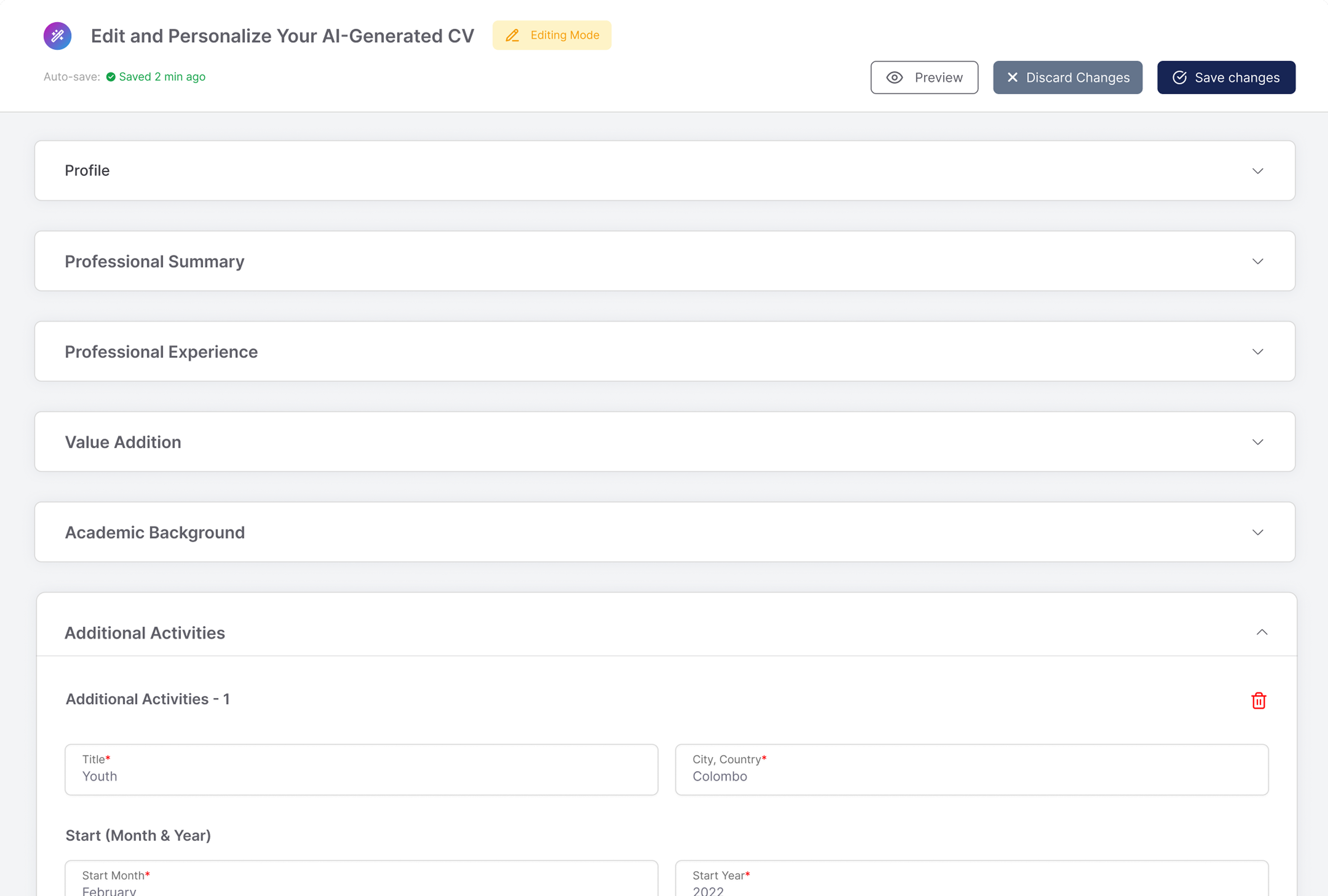
Select the pen icon at the top of your tailored resume.
Expand a section, change what you need, or use the bin icon to remove an entry.
Select Save changes to keep them, or Discard to drop them all.
Extra information
Once VitalFew Assistance has created your tailored resume, it is saved automatically and you can review it before you apply. Select the pen icon to open the editor.
Your details are grouped into sections: Personal details, Professional overview, Professional experience, Value addition, Education, Skills, References, and Additional training and certifications. Expand a section to see what is inside, then edit any entry directly. The bin icon beside an entry removes just that one, while Discard clears everything you have changed.
Value addition is where your endorsements appear. To learn how to get one, go to How do I request an endorsement?
Save your changes before you leave the editor. If you close it partway through, you cannot pick up where you left off.
You can also choose a template before submitting, and download a copy for your own records. When you are happy with it, select Apply now.
To understand how the tailored version is created, go to How do I create a tailored resume for a job?
To continue with your application, see How do I apply for a job?
Frequently Asked Questions
{{ faq.a }}